one local source of truth
A typed app-data store owns entries, note lines, goals, saved meals, settings, weights, and migrations. Every screen reads and writes the same persisted local model.
an Android calorie tracker where logging food feels as quick as writing a note.
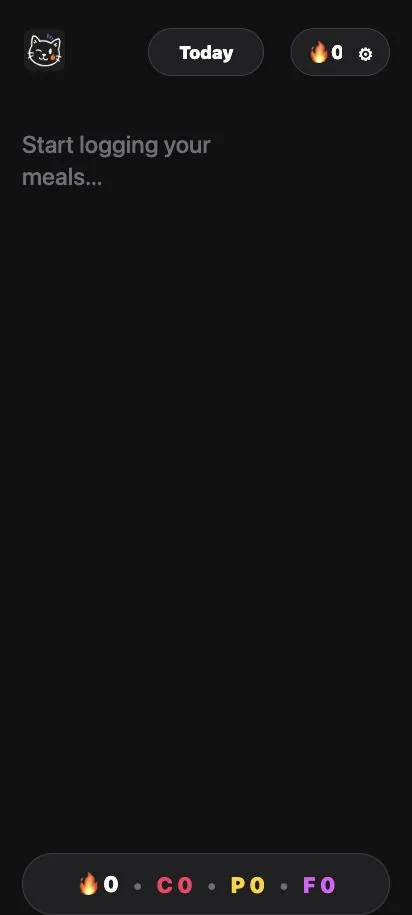
Type one food per line and Amy turns it into editable calories and macros. Barcode, photo, label, dictation, and saved-meal tools are there when useful, while the diary stays local, readable, and exportable.
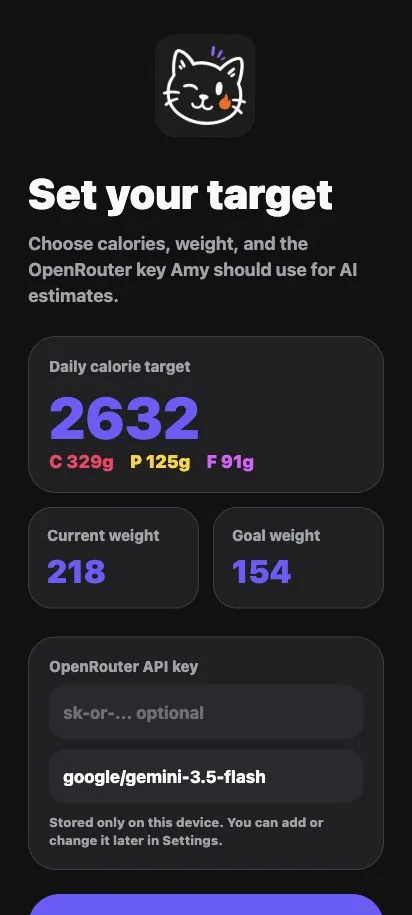
most calorie trackers make a small habit feel like database work: search for a food, choose a serving, confirm it, dismiss another screen, and repeat. the friction is not dramatic, but it is enough to make daily logging easy to abandon.
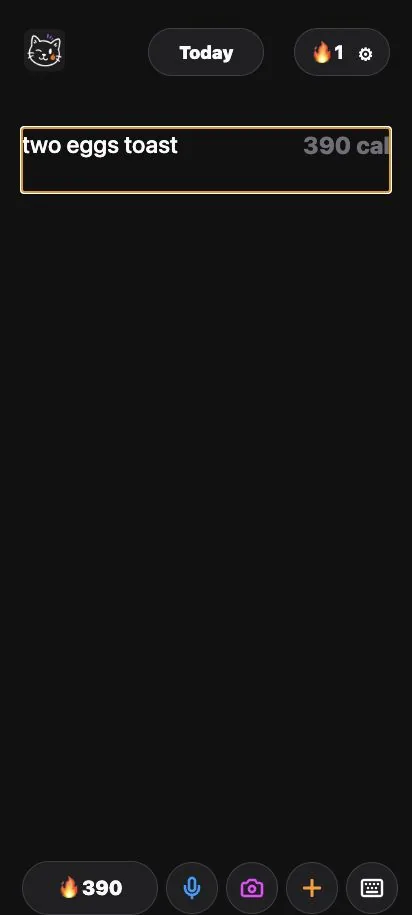
Amy starts from the behavior people already know: writing a list. one food goes on each line, structure is attached after the fact, and every estimate stays visible and editable instead of pretending to be exact.
I also wanted the privacy model to be understandable. the diary works locally with no account, barcode lookup uses Open Food Facts, and AI features only run when the user adds their own OpenRouter key.
Type the way you would write a quick note. Each line becomes an editable food entry with calories and macros aligned beside the original text.
Text, dictation, food photos, nutrition labels, barcodes, and saved meals all resolve into the same reviewable entry shape before they reach the diary.
Open Food Facts results stop at a confirmation screen where the product name, serving count, grams, calories, and macros can be corrected before logging.
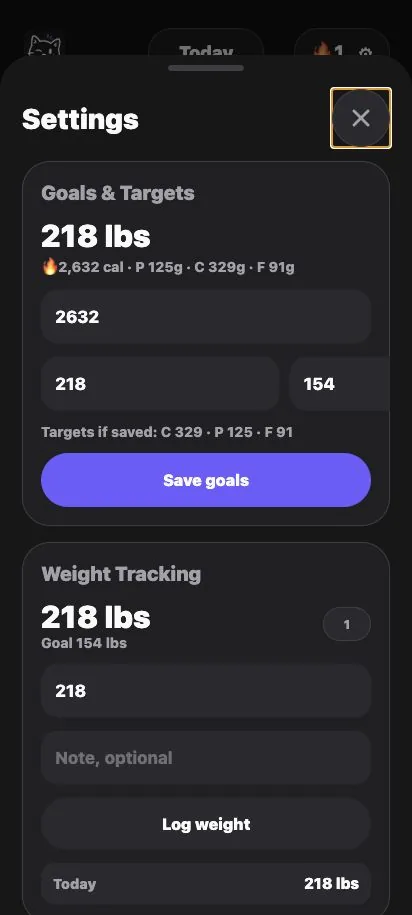
The Today view tracks calorie and macro progress, while weekly totals, weight history, logged days, and streaks make longer patterns visible.
Repeat foods can be logged from saved meals, and two Android widgets deep-link directly into typing, dictation, photos, barcode scanning, or the daily summary.
The app needs no account. Diary data stays on-device and can be exported or restored as JSON, with the user's OpenRouter key excluded from exports.
A typed app-data store owns entries, note lines, goals, saved meals, settings, weights, and migrations. Every screen reads and writes the same persisted local model.
Manual text, OpenRouter estimates, Open Food Facts products, and saved meals all become the same FoodDraft contract before the store creates a permanent entry.
Portion scaling, daily totals, macro progress, remaining calories, and streak calculations live in small domain functions rather than inside screens or model prompts.
The core diary does not need a server. Open Food Facts is called only for product lookup, and OpenRouter is called only for estimates when the user has configured a key.
An Expo config plugin writes the Android widget providers, layouts, icons, metadata, and native bridge. The React Native store pushes a compact snapshot to both widgets after local changes.
runs on
seen enough:
back home